When you open a new site or if a site name changes you will need to add or edit the sales site and the stock location.
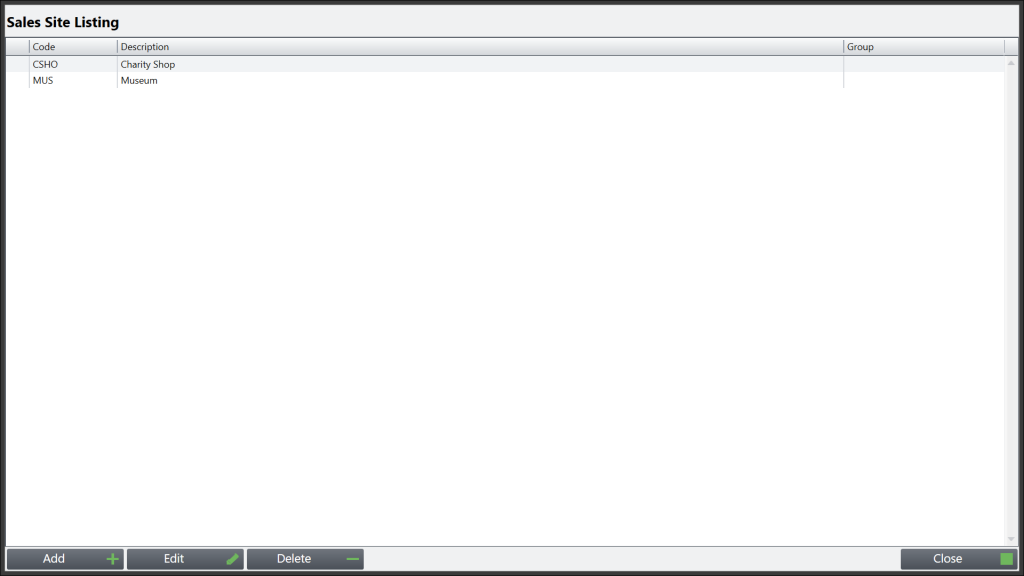
To add or edit a sales site type \\SITE into the till screen and simply press add in the bottom left corner or select the site you would like to edit and press edit in the bottom left corner.
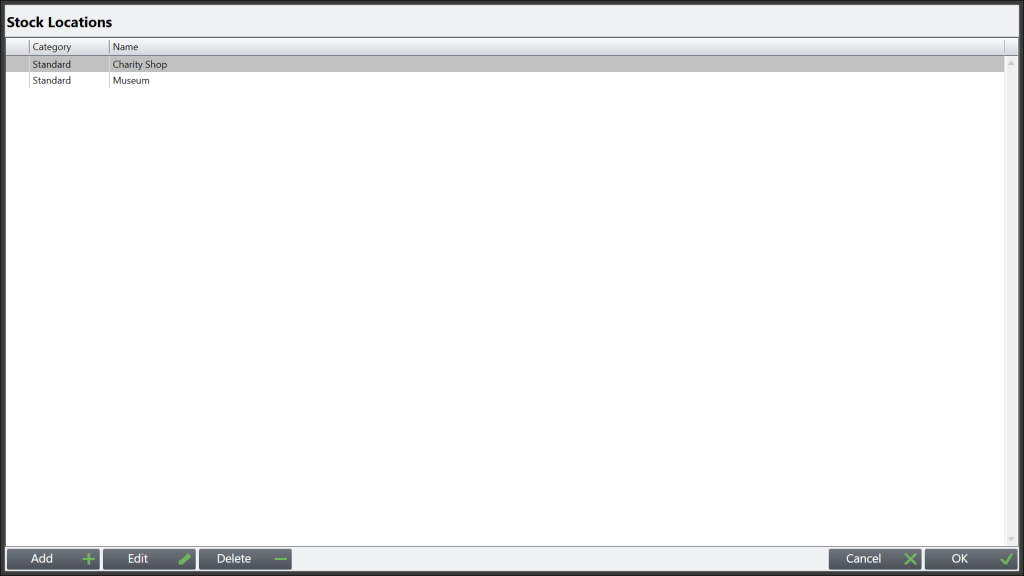
To add or edit a sales site type \\LLOC into the till screen and simply press add in the bottom left corner or select the site you would like to edit and press edit in the bottom left corner.
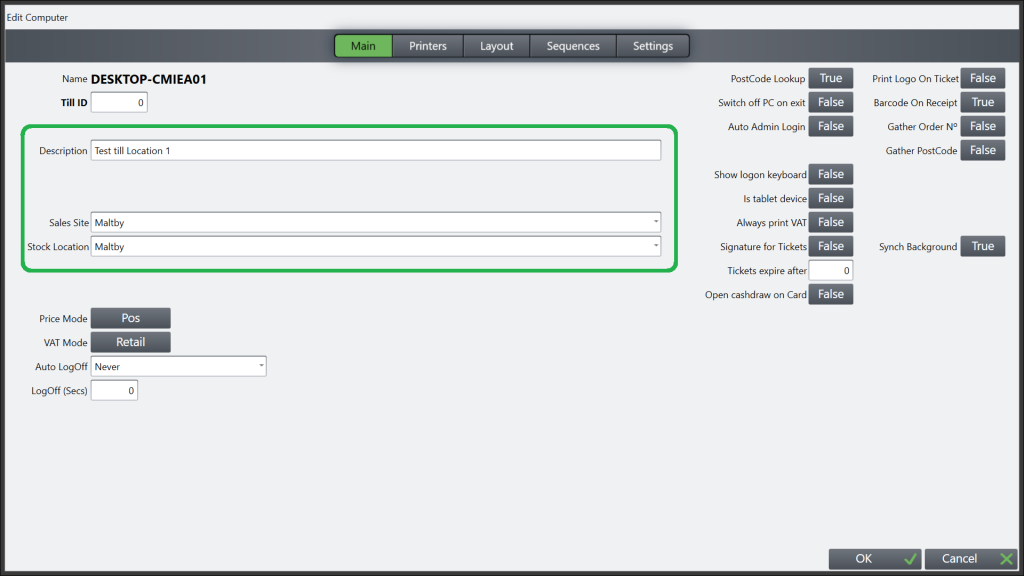
If you now need to update the sales site and stock location of the till you are using type \\TILL on the main screen. This will then open the screen below, where you need to select the sales site and stock location for the shop/site the till is in, failure to do this will lead to sales posting against the wrong shop/site. You will also need to ensure you change or add the description of the shop/site if your organisation uses this functionality. N.B. Do not change the Till ID.