Attributes and attribute groups can be set up to allow you to record additional information about your constituents and keep an audit trail of any changes.
Adding new attributes and attribute groups
Log in to tengoCloud and select Attribute Groups from the CRM dropdown menu. Click the plus (new) icon at the top right of the screen and add the name of the attribute group. At this stage you can also add a link between an attribute group and a category (see adding a category to an attribute group below).
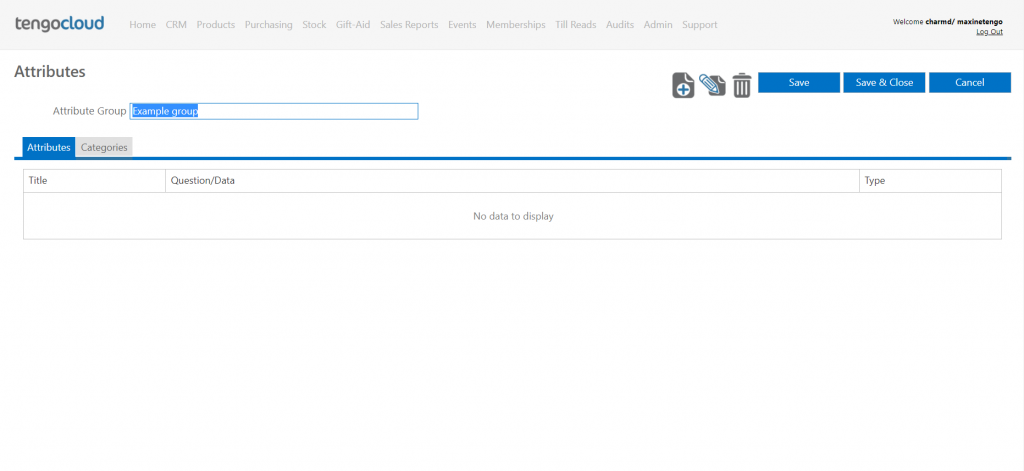
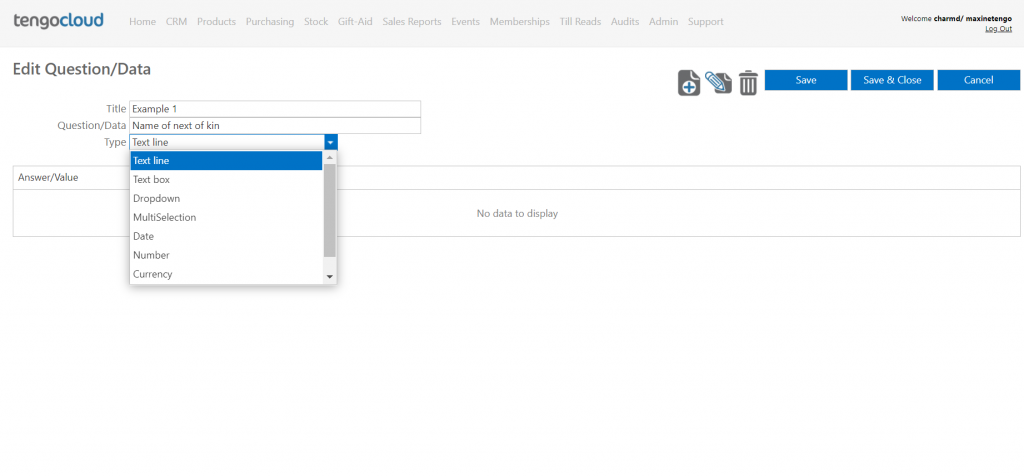
Next click the plus icon at the top right of the screen to add attributes to this group. Now you can give your attribute a title and add a question or statement and select the response type, the type options include text line, text box, dropdown, multi selection, date, number, currency and yes/no (please see examples below).
If you select dropdown or multi selection you will now need to continue to add answer options, if you select any of the other types you now just need to hit save & close to return to the previous screen. If you need to add answer options to your dropdown or multi selection simply select either of those options as the type and click the plus icon at the top right of the screen. When the box opens type in your first answer and click the tick, click the plus button again to add your second answer and so on.
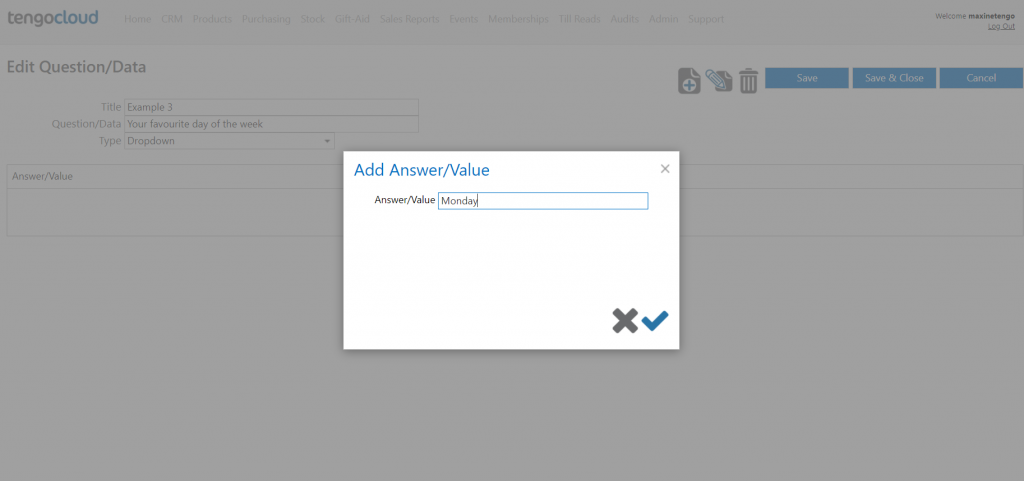
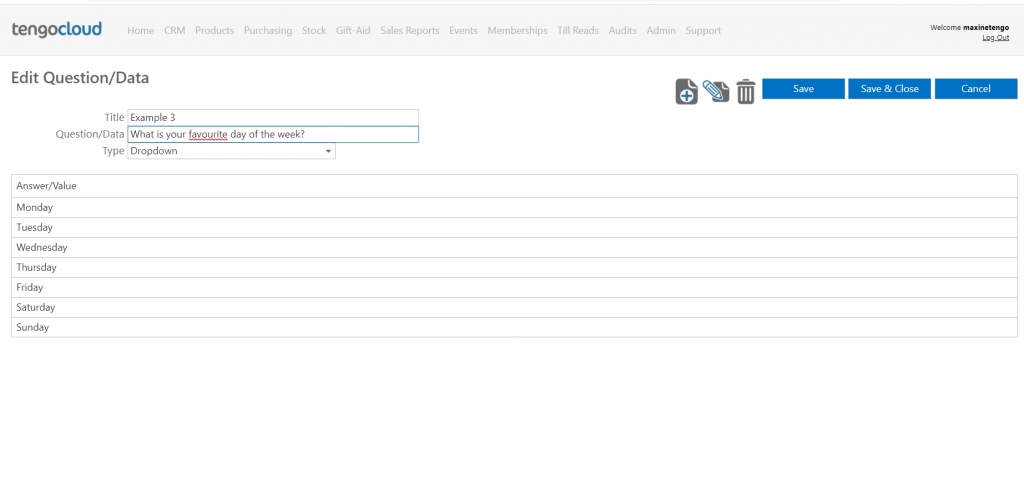
Once you have added all of your answers click save & close to go back to the previous page. Here you can follow the same process again to add more questions/statements or you can click save & close to save your attributes.
Editing attributes and attribute groups
Follow the same procedure as above but select the attribute group and/or attribute you would like to edit and click the pencil icon in the top right of the screen instead of the plus icon.
Adding a category to an attribute group
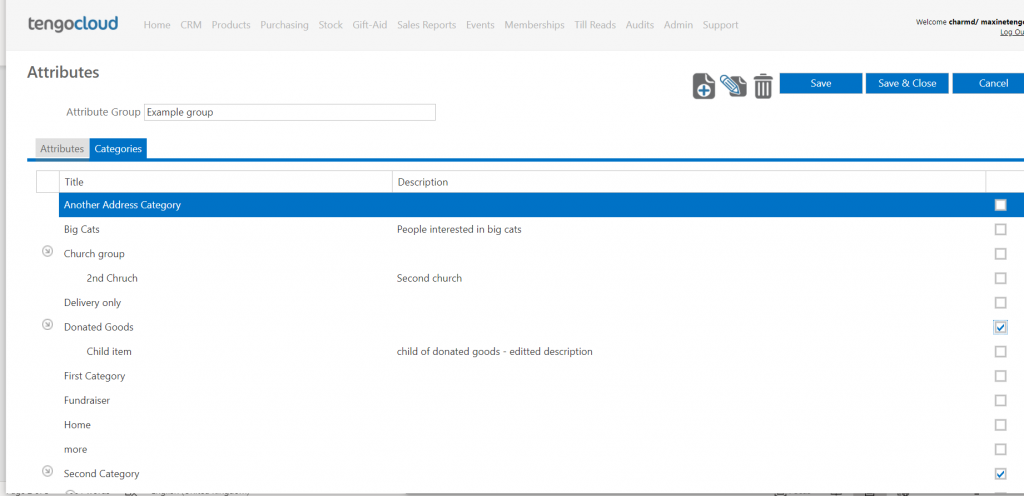
Select the attribute group you would like to link to a category and click the pencil (edit) icon at the top right of the screen. Click on the category tab and click the tickbox to select the category or categories you would like to link the attribute group to. Adding this link will mean that if a constituent is in this category this attribute group will show on their record. If you do not link an attribute group to a category the attribute group will show for all constituents.