
If your organisation allows cash to be take out of the till during the day, e.g. for staff refreshments, you will have a Petty Cash button on the till possibly in the Admin section. Use of the button may be restricted, to Managers / Administrators for instance.
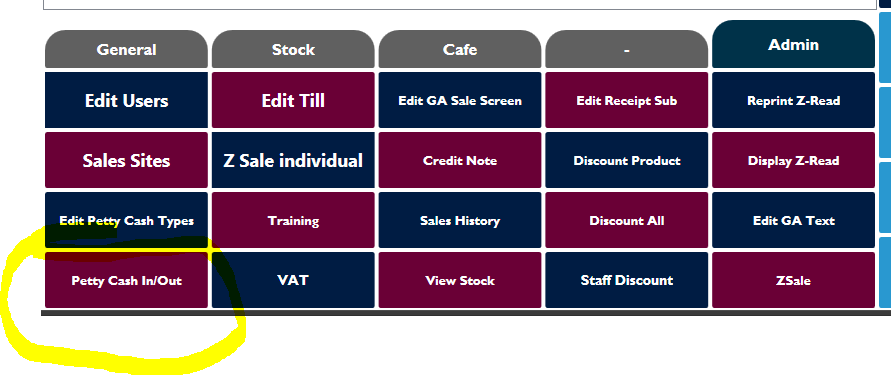
Petty cash categories have to be defined – type \\VPTY to add, edit or delete petty cash types, or use the Edit Petty Cash Types button if you have one. Please note that you must include at least a reference and a description (nominal code is optional) –
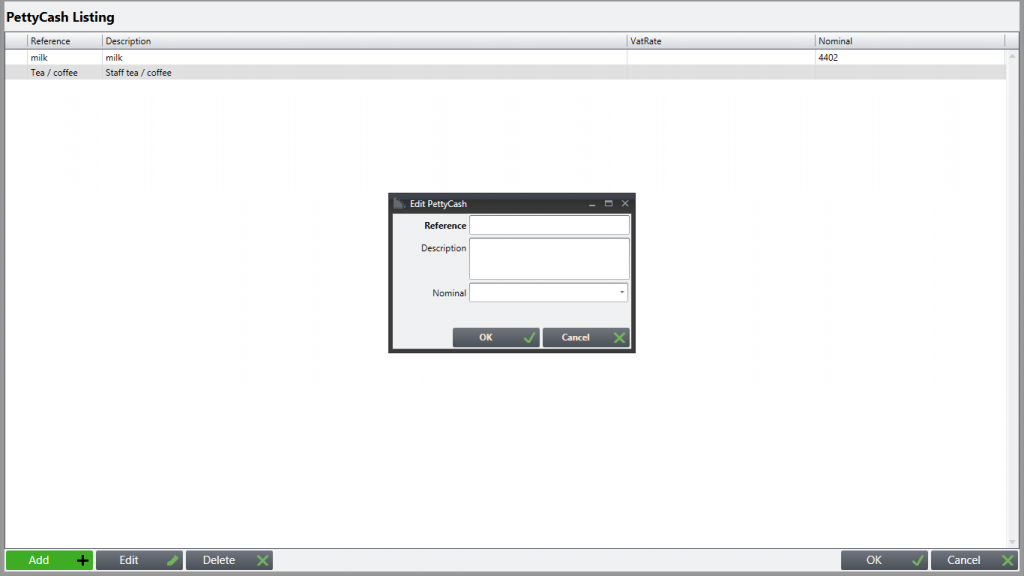
Press the Petty Cash button, this screen appears, blank –
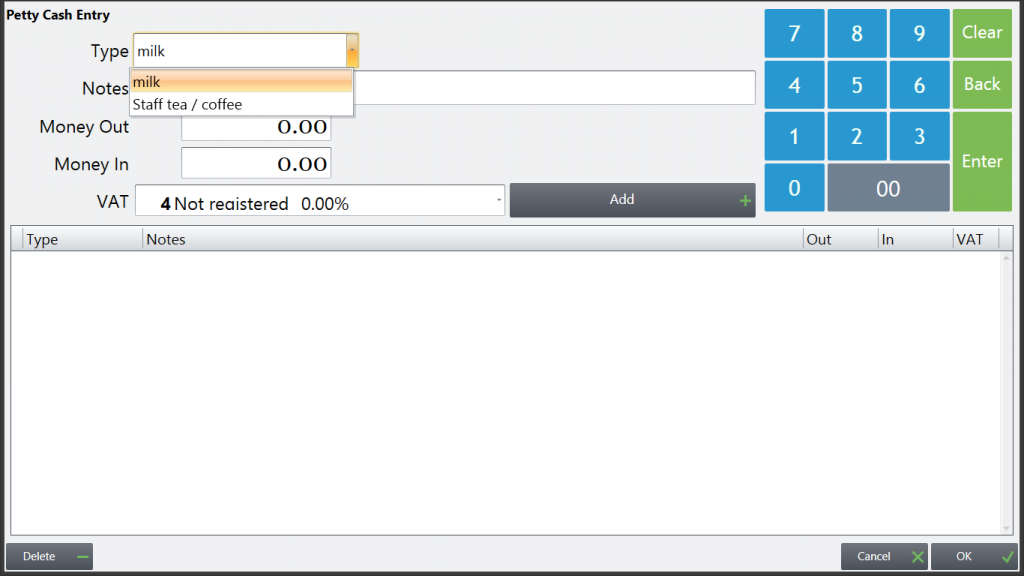
- Pick the type from the drop-down menu (created using \\VPTY above)
- Type in Notes useful info, in this case recording we gave Frank £2 for milk
- Type amount in Money Out £2.00 in this case
- Set VAT rate which would be Zero rated here
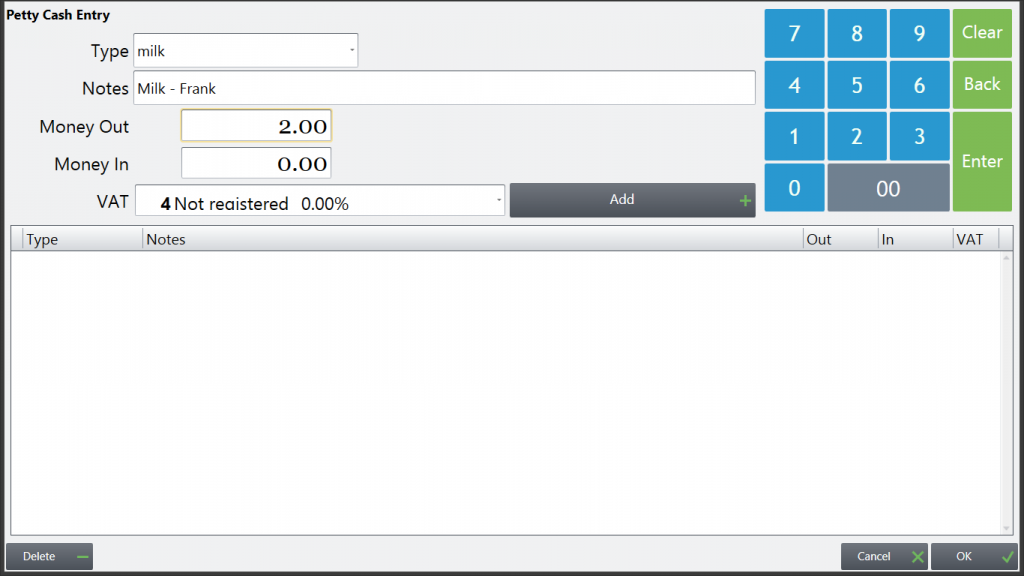
Press the Add+ button, then the info you have input moves to the first line below, enabling further lines to be input if required.
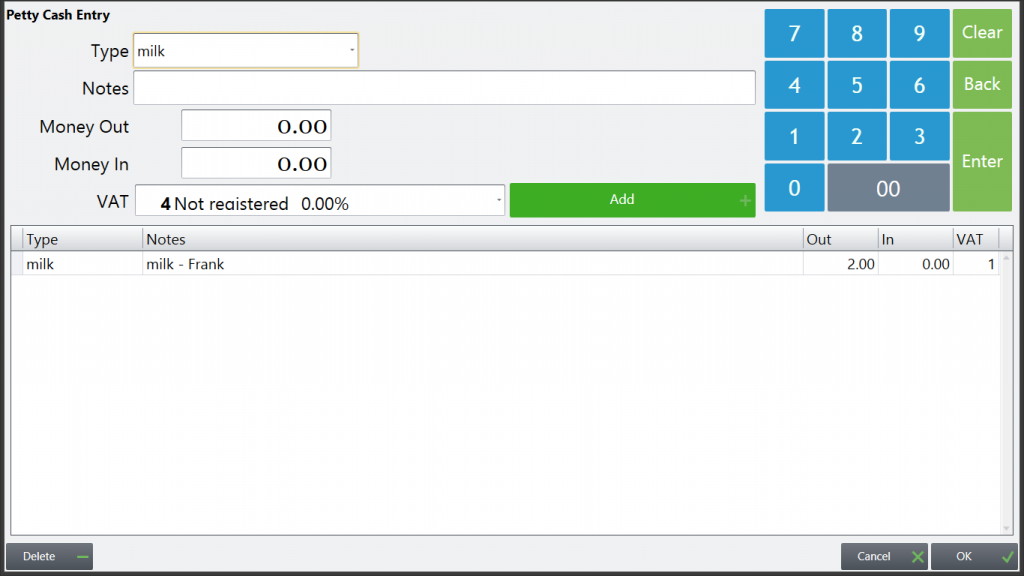
Press OK when you have finished, a receipt is printed and the till drawer opens. Take out the £2.
If Frank comes back with 50p, follow procedure above but type .50p in Money In.
Again a receipt will print, and at the drawer will open to put the 50p in.
At the end of the day the till will show the transaction on the till Read, netting out as £1.50 Petty Cash. And of course you can see a report on all petty cash transactions on tengoCloud, under audits > petty cash > petty cash audit.