We’ve seen lots of people search for ‘changing mistakes on the till’. The relevant course of action if you make a mistake, would depend on whether you have completed the transaction or not (sold the items).
If you have made a sale, and realise you made an error, then you would need to scan the receipt to reload the transaction and edit it/refund it as appropriate. There is a guide to refunding here.
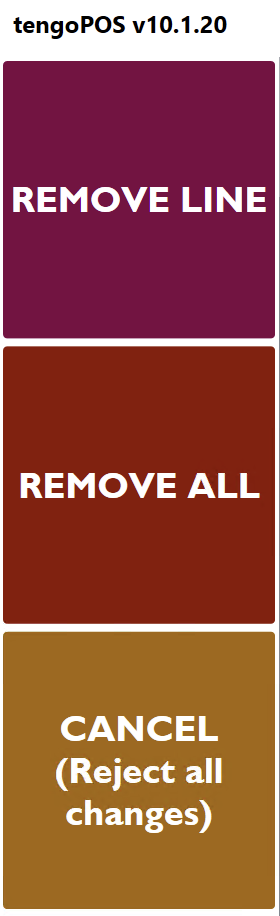
If you haven’t yet completed the sale, you will usually have 3 buttons to help you, all shown below, to help you remove item(s) that are incorrect (also sometimes known as ‘voiding’). Remove line removes an individual line, remove all removes all lines, and the cancel/reject button just cancels everything you have done regards the current transaction. Please note the buttons can look different as everyone’s layouts are customisable, but all ‘selling’ screens will have some form of remove button(s) similar to those shown here.